Pro Max 4K OTT

4K Streaming Requirements

A working 4K setup needs an available 4K source, compatible decoding and display, and sustained network delivery. The Pro Max 4K OTT brand name is not a guarantee that every item meets.

4kott.app+44 7532 814802
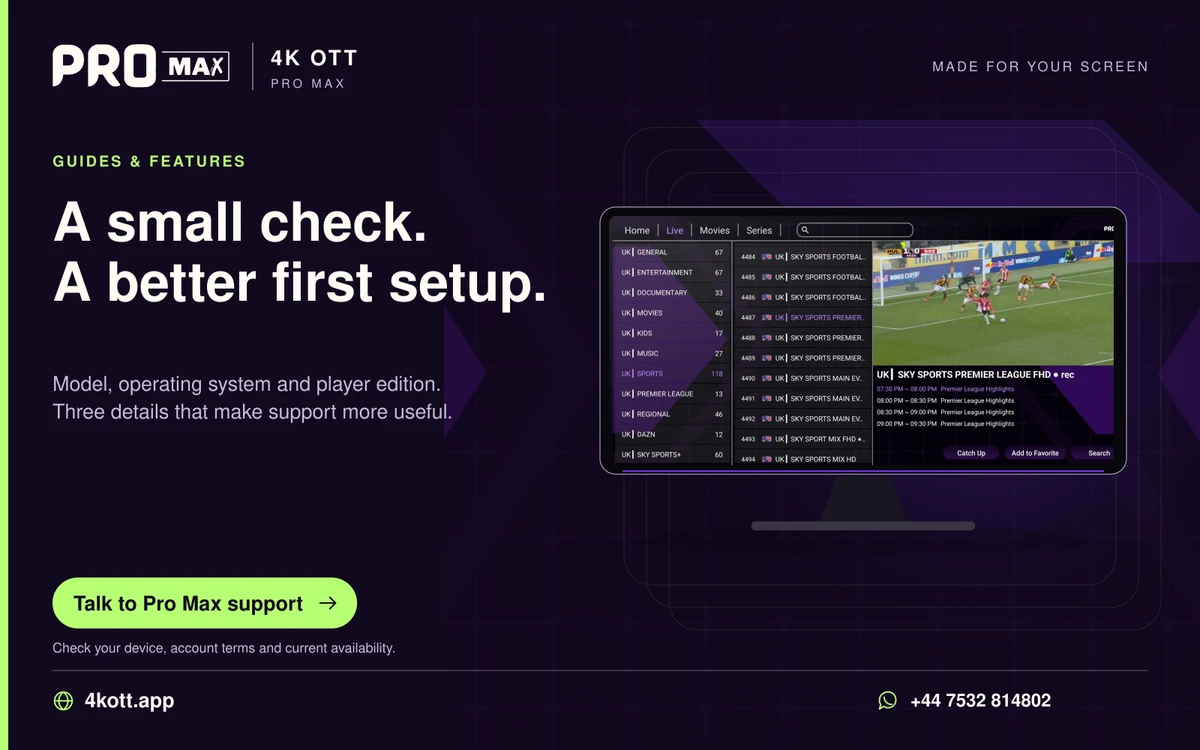
Pro Max | 4K OTT a small check. A better first setup. card. 4kott.app; WhatsApp +44 7532 814802.
Model, operating system and player edition. Three details that make support more useful.
A practical guide

The details you need.

A working 4K setup needs an available 4K source, compatible decoding and display, and sustained network delivery. The Pro Max 4K OTT brand name is not a guarantee that every item meets those conditions.

Check the whole playback chain

  • Actual source resolution and availability.
  • Device and player support for the source codec.
  • Display and output configuration.
  • Stable network delivery at the time of use.
  • Account and concurrent connection conditions.

Test before changing equipment

Use the final screen, player and connection. Compare a source that support has confirmed with another item. Record whether the symptom is reduced detail, stutter, buffering, no picture or a display setting issue. These are different problems.

Use a supported lower-quality source when appropriate

If a specific source cannot be decoded or delivered reliably, ask support whether an alternative is available. Do not claim a change of label or player can create a higher-quality source.

Related guidance

Keep the next step simple.

Choose the right device guide

Find the operating-system route for your screen.

Explore →

Read the technical detail

Clear definitions of player, media and network terms.

Explore →

Get account-specific help

Speak to support with your device and player details.

Explore →
Your next step

Make room for your next favourite.

Install your player, then message us for a one-day Pro Max 4K OTT free trial. Start on the device you use every day.

WhatsApp