A factory reset or app-data reset can remove a player’s saved login without cancelling the provider account. Reinstall the correct player and restore the legitimate configuration using private recovery information. Do not assume the service must be purchased again simply because the local login screen has returned. Restore the software and account layers in order. The returning login form shows that local state is missing; it does not by itself establish that the provider has cancelled, expired or otherwise changed the remote account.
Identify what was reset
A full TV reset, app uninstallation and Clear data can all affect local information. Note which action occurred and whether a supported backup exists. Check whether the television was factory-reset, the player data was cleared or the application was replaced with another edition. Each can remove local configuration, but a different edition may also present a different login format. Identify the exact package and previous setup method before importing a backup, because not every similarly named player can read the same saved settings.
Rebuild the device layer first
Connect the TV, restore the appropriate household store account and install the correct player. Only then enter provider details into that application’s intended fields. Finish network and household-account setup, then verify the installed app's publisher and platform support. Restore any separate software purchase using its documented account route. Only then configure the authorised provider source. If the player cannot install or open, solve that device-layer problem first; entering the service credentials elsewhere will not restore a missing or incompatible application build.
Recover through the responsible party
If credentials are missing, contact the provider through the established support route. An app-store password, device PIN or player licence key is not automatically the provider username and password. Use the original private order or welcome information to identify the provider account. If a password reset is necessary, use the established support route and confirm the replacement details before repeated login attempts. Keep account recovery separate from player activation, since a successful licence restoration can leave the source empty until its own configuration is entered again.
A practical sequence
- Reconnect and configure the TV after its reset.
- Install the correct publisher’s player.
- Restore provider details or request legitimate account recovery.
An example
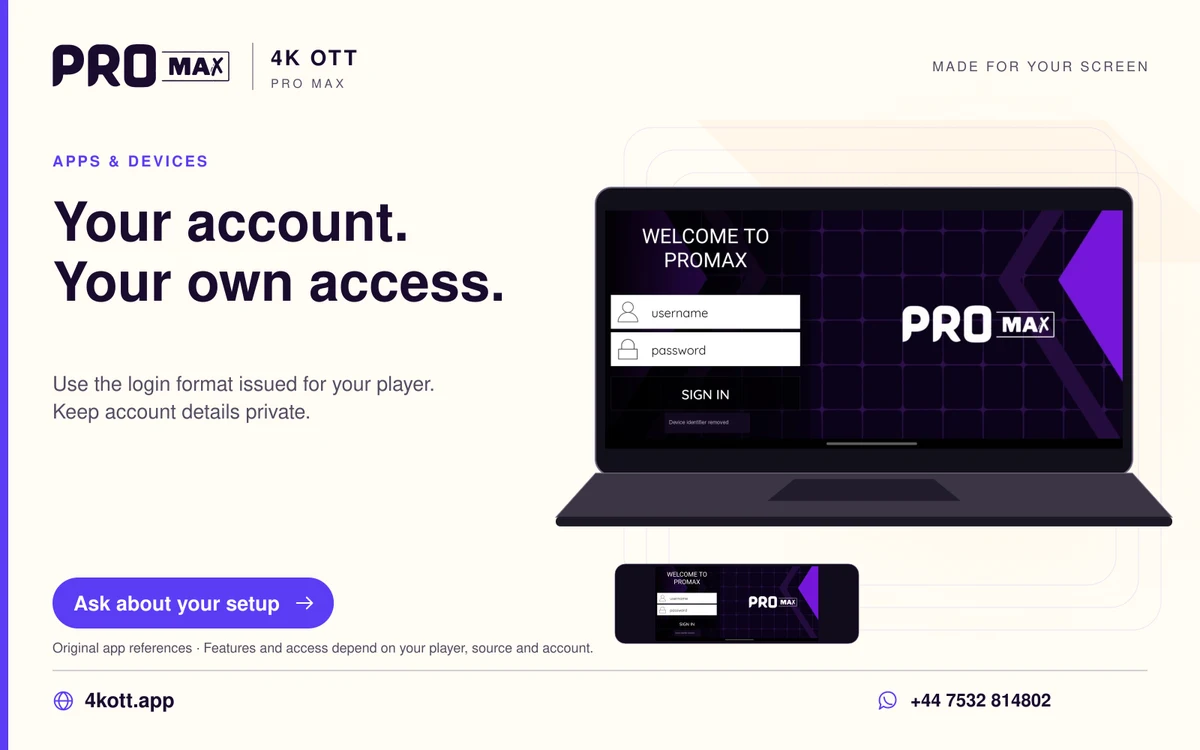
An active provider account can still show a login page on a freshly reset TV because the device no longer holds its saved configuration. Reinstall the intended edition, restore any separate player entitlement and enter the issued source details. If the account then reports an error, retain that exact message for the provider rather than buying access again automatically.
Questions about this topic
Does a reset automatically cancel a paid service?
It removes local state; cancellation and account validity are managed separately by the service.
Should I try random public usernames?
No. Use the credentials issued for your own authorised account.