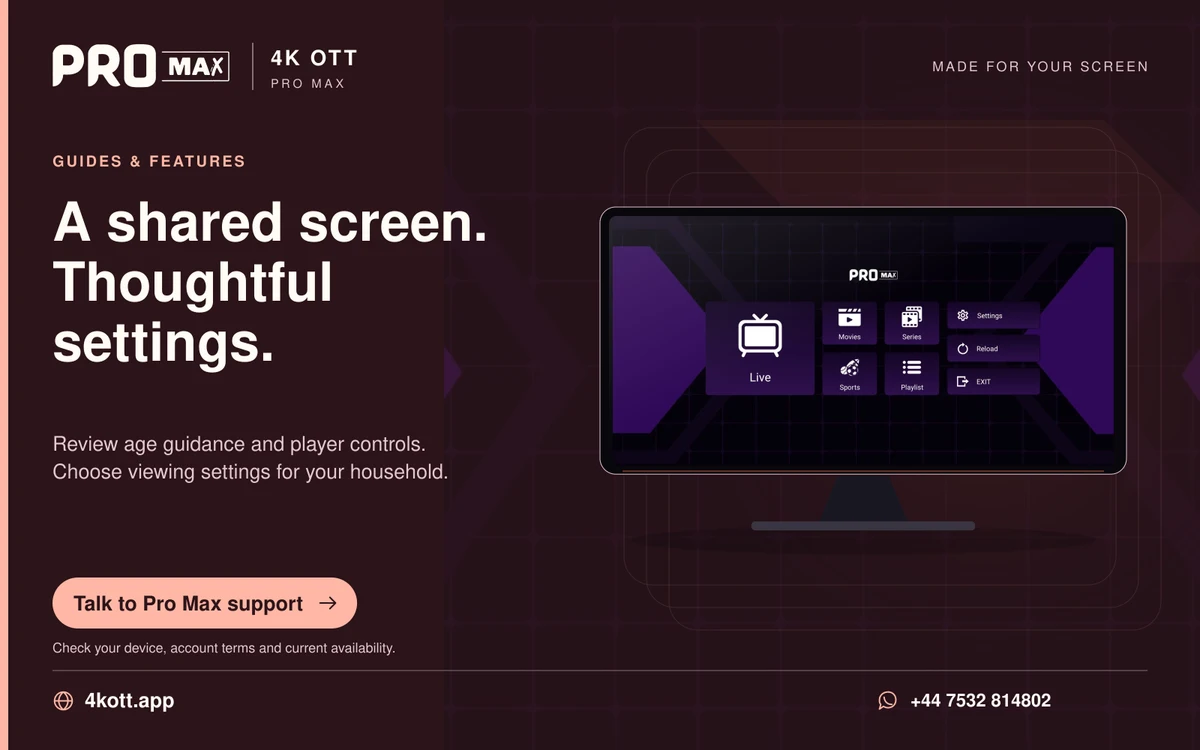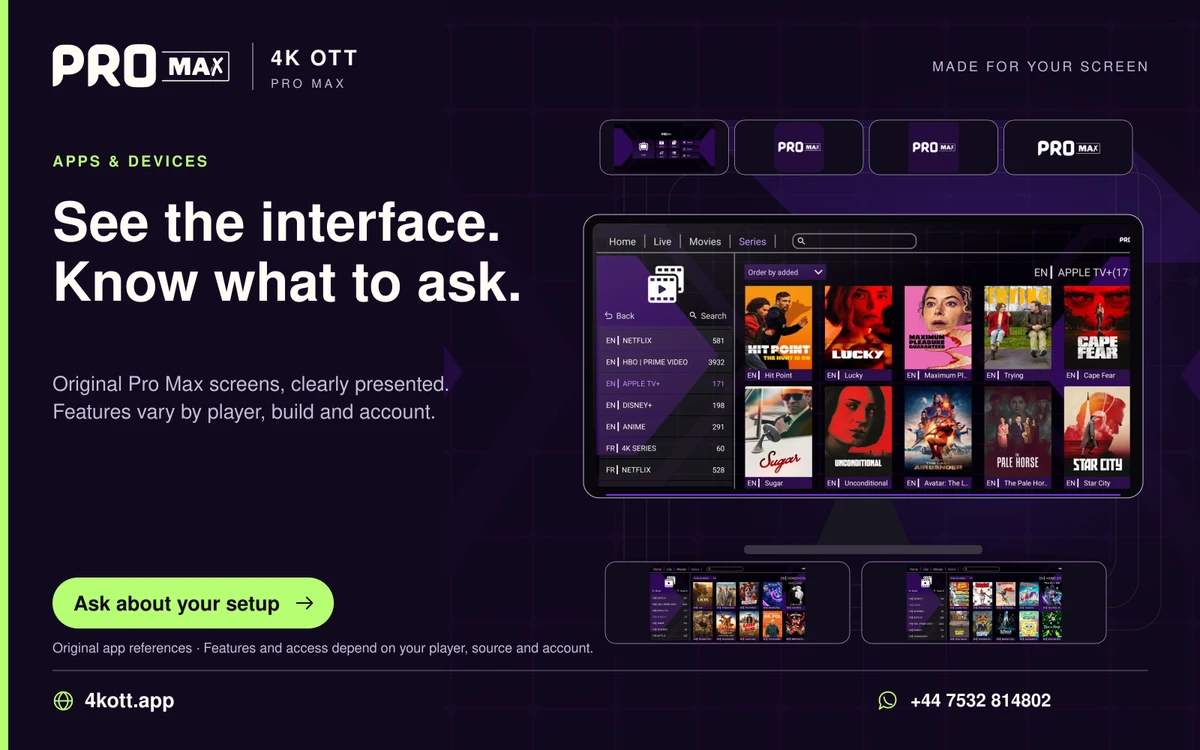
A useful household setup keeps the path from power-on to a familiar programme clear. Agree on the preferred app, readable controls and a small favourites list, then explain how to stop playback and reach support. Avoid changing the arrangement without the viewer understanding it. Design the routine with the person who will use it, starting from the real power-on state. A clear input, familiar programme route and obvious way to stop viewing are more useful than a long explanation of every advanced feature in the player.
Use familiar language
Explain actual buttons instead of jargon. Use the names printed on the actual controls, such as home, back and the TV's input label. Avoid replacing familiar button names with technical terms about playlists or output negotiation. Demonstrate one ordinary task, then let the viewer perform it while explaining any unclear step. A setup that seems simple to its installer may still require an unexpected input change or a second volume controller that only becomes apparent during the viewer's own attempt.
Write short instructions
A few concrete actions are easier than a technical manual. Write a few concrete instructions for the supported everyday path, including which remote controls the speakers and how to return to the starting screen. Use a familiar programme or short favourites list rather than a large undifferentiated catalogue. Test the instructions after standby as well as while everything is already awake. Include a straightforward stop-and-reopen recovery for common app trouble, keeping factory resets and account deletion out of the ordinary viewing routine.
Keep credentials private
Store them appropriately rather than on a public screen. Keep passwords and account keys in an appropriate private place rather than displaying them on the TV or including them in a publicly visible instruction card. Where supported, use profiles and saved preferences deliberately so one viewer's caption or language choice is retained without surprising another. Preserve the original remote and a documented setup path for necessary maintenance. Ask the viewer which controls they want available rather than assuming advanced features should be hidden simply because they prefer a simpler routine.
A practical sequence
- Start from ordinary standby
- Write the actual button sequence
- Let the viewer complete it independently
- Keep credentials private and recovery simple
An example
A household member can open the player, choose a favourite and stop playback without navigating setup menus. The household instruction card says which remote to use, which input to select and how to open three familiar favourites. The viewer tries the routine from standby and identifies one confusing input step, allowing the setup to improve through real use rather than a helper's demonstration alone.
Questions about this topic
Should all advanced settings be hidden forcibly?
Only use supported choices that suit the viewer. Use supported choices that fit the viewer's preferences while keeping necessary actions available.
Is one demonstration enough?
Let the person try the actions themselves. An independent attempt reveals missing assumptions and unclear steps that watching a demonstration can hide.