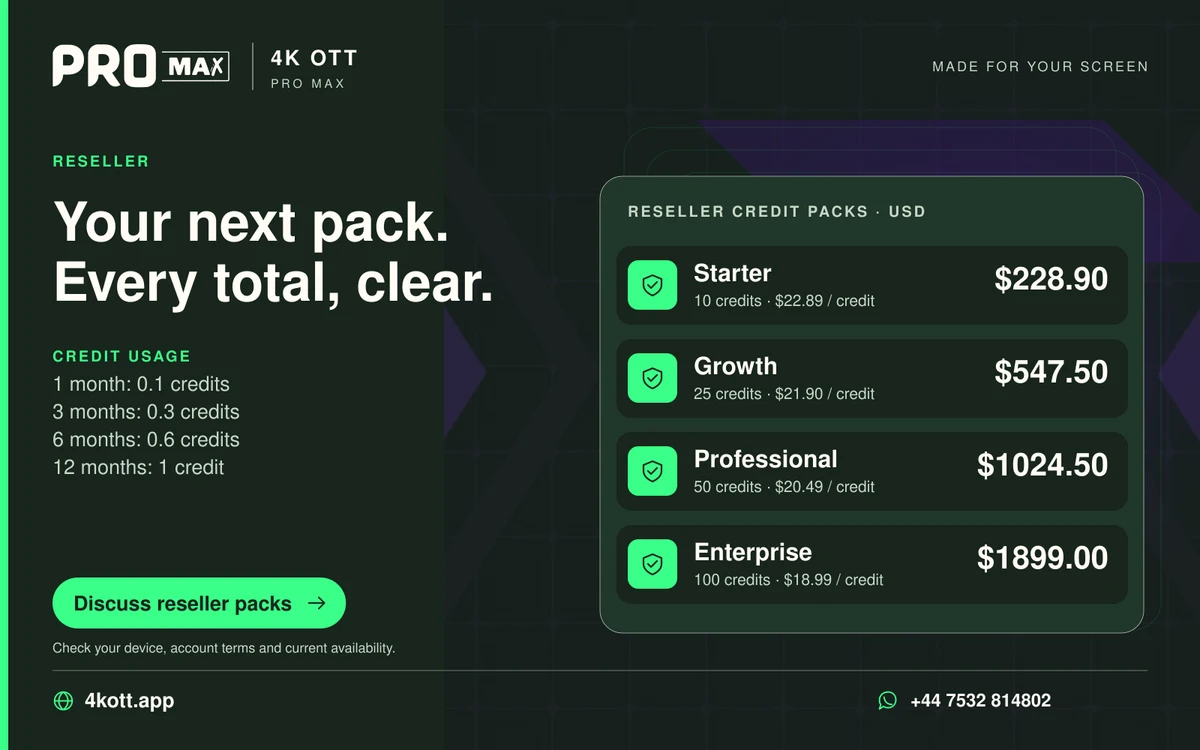
The Pro Max plans on this website are listed in US dollars. A customer may think in another currency, but an estimated conversion is a separate calculation. It does not establish the exchange rate, fee or final amount used by a payment provider. Keep the listed USD total visible, label any estimate and agree the actual purchase details through support before payment. Do not silently replace the plan currency in a copied order message.
Retain the original price and currency
A number without a currency label is an incomplete price. Keep the plan identifier, duration or credit quantity and USD total together when sharing a quotation. The same numeral can mean a very different amount in another currency. A customer-facing message should make the listed currency explicit rather than relying on the location of the customer or the currency symbol their device normally displays. The source price remains the reference even when a separate estimate is useful.
Explain what the estimate includes
A simple conversion multiplies one currency amount by an assumed rate. The rate needs a source and time if it is presented as current. Fees and provider spreads can make the actual payment amount different. Do not describe an unverified conversion as a live checkout total. If the payment method or final currency has not been agreed, keep the calculation illustrative and ask support for the actual purchase instructions. This avoids turning a convenience estimate into an unsupported promise.
Keep the accepted order clear
Before purchase, identify the agreed plan, total and currency in the private order conversation. Retain the relevant order or payment reference, rather than copying sensitive payment data into a general customer ledger. If an estimate changes before the customer orders, explain the revised figure without rewriting the historical message. A completed purchase record and a preliminary conversion example are different documents and should remain distinguishable in later support or renewal work.
A practical sequence
- Keep the listed USD amount beside the plan name.
- Label any conversion as an estimate with its assumptions.
- Do not assume fees or a live exchange rate.
- Agree the actual total and currency before payment.
An example
A plan listed at$24.99 USD remains a$24.99 USD listing even if a customer calculates an approximate local-currency equivalent. The local estimate does not establish the payment provider’s rate or fees, and should not be presented as a confirmed checkout amount.
Questions about this topic
Does the website provide a live exchange-rate checkout?
No. The delivered order page prepares a WhatsApp enquiry with the listed US dollar total. It does not calculate or charge a payment-provider conversion.
Can a customer use a personal conversion estimate?
An estimate can help planning, but it should remain separate from the actual amount and currency agreed for the purchase.