
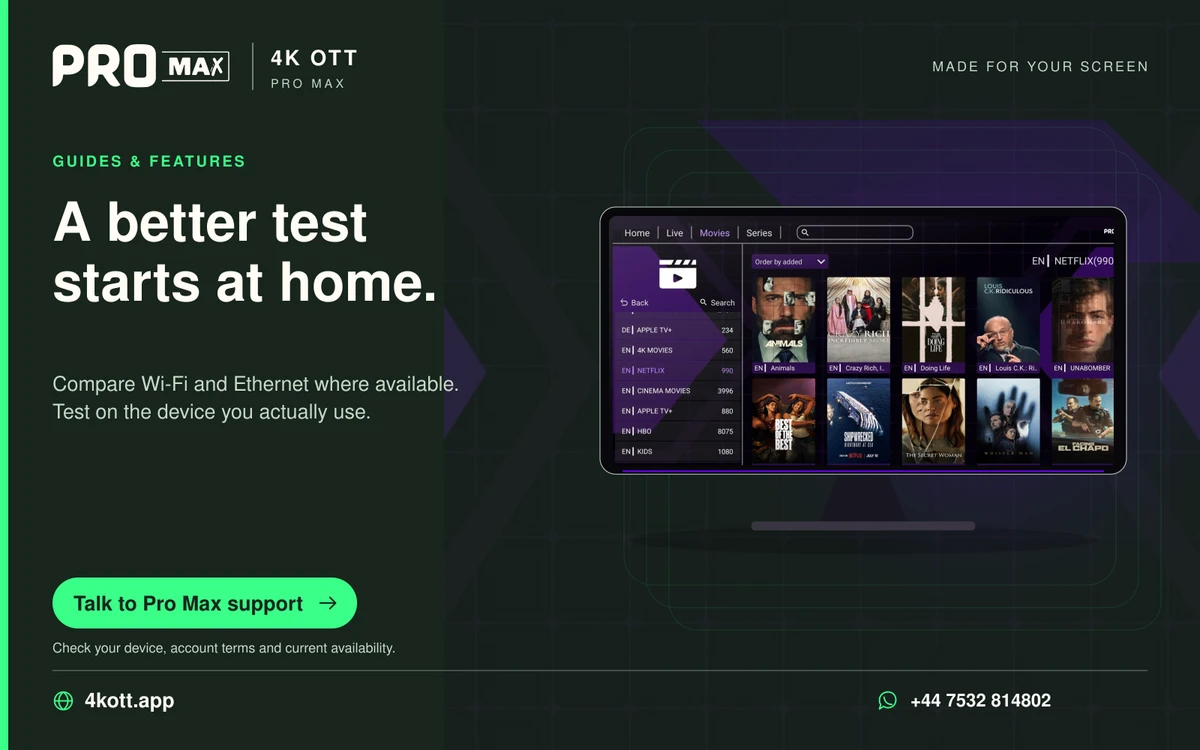
Networking
Changing the player buffer without guesswork
A player buffer stores received media before playback.
Read the guide →Six articles on page 46 of the Pro Max guide journal. Changing the player buffer without guesswork, OTT Navigator guide time shifts: correct the device clock first.
Practical answers for the screen you own: app installation, live viewing, home networks, programme guides and clearer account management.
A player buffer stores received media before playback.
Read the guide →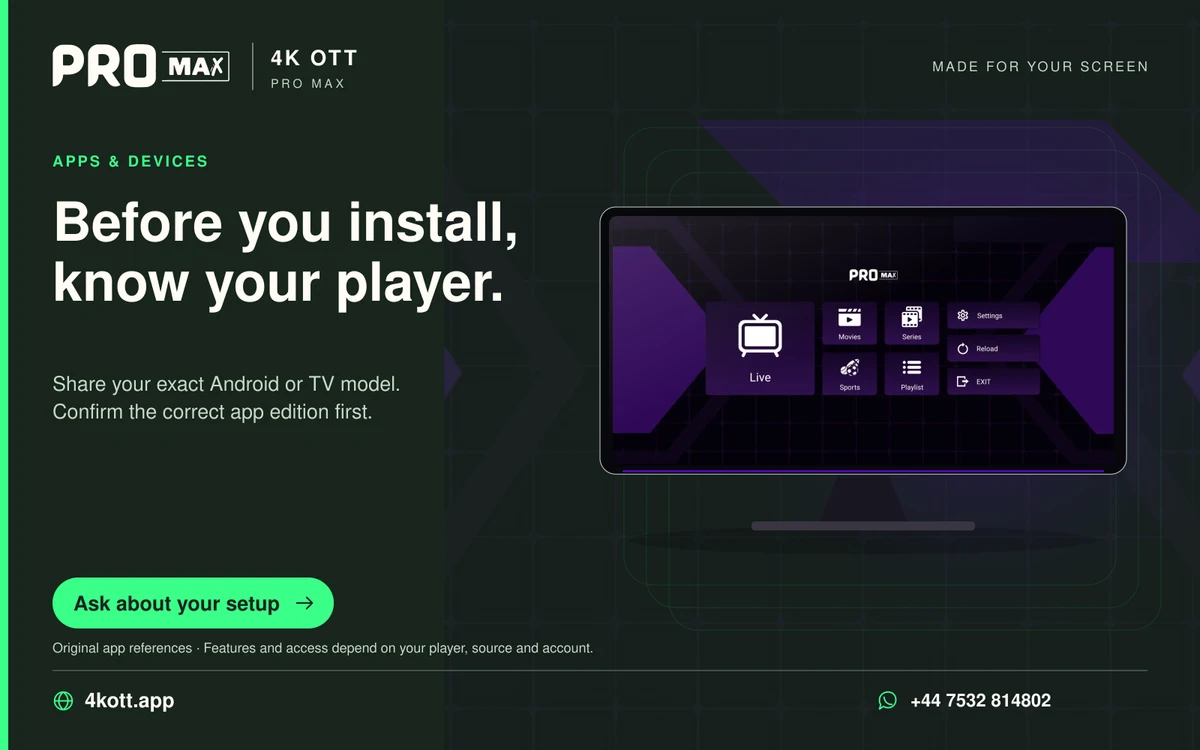
If OTT Navigator shows programme times offset from local time, check the device clock and time zone before applying a player-specific shift.
Read the guide →
A lost device can expose more than the streaming profile.
Read the guide →Adaptive players may switch among available versions as estimated throughput changes.
Read the guide →OTT Navigator can retain a channel’s selected playback method according to its settings.
Read the guide →
A configuration export or screenshot can enter a cloud backup automatically when saved in a synchronized folder.
Read the guide →Install your player, then message us for a one-day Pro Max 4K OTT free trial. Start on the device you use every day.