Pro Max 4K OTT

What to Check in a Streaming Device

Choose a device by confirmed app support, account format, decoding, controls and network connections. A model name or advertised maximum resolution alone does not prove a compatible.

4kott.app+44 7532 814802
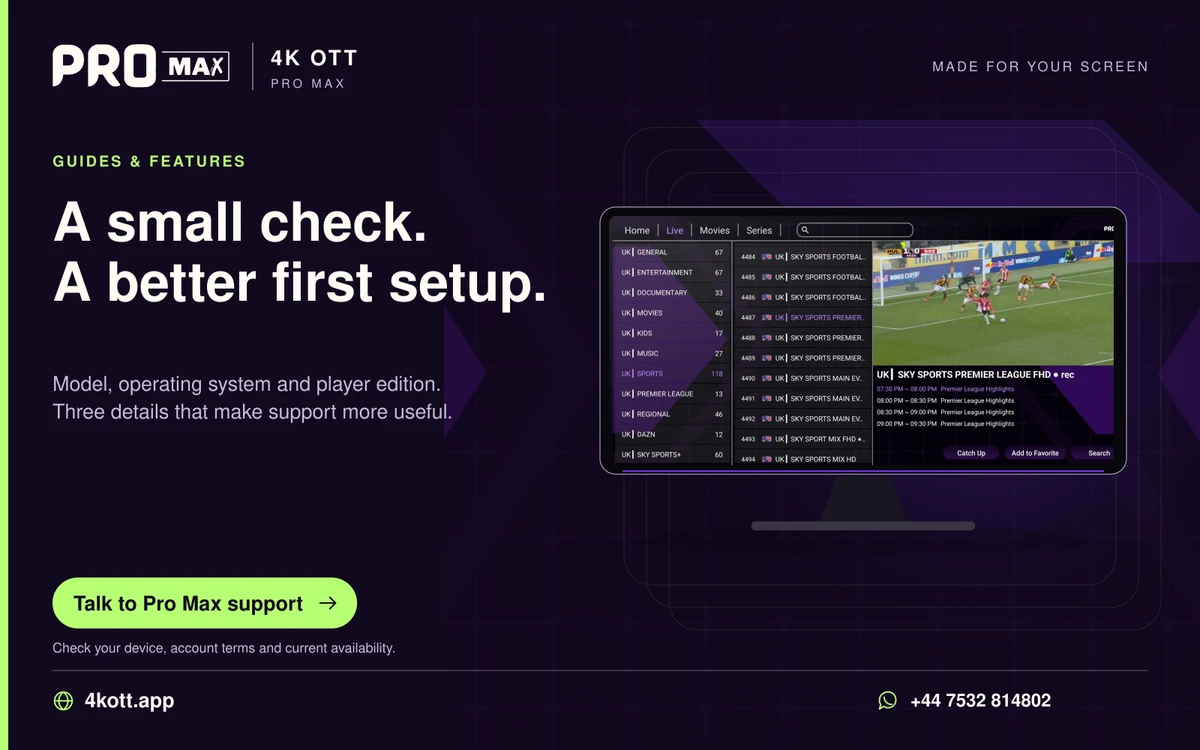
Pro Max | 4K OTT a small check. A better first setup. card. 4kott.app; WhatsApp +44 7532 814802.
Model, operating system and player edition. Three details that make support more useful.
A practical guide

The details you need.

Choose a device by confirmed app support, account format, decoding, controls and network connections. A model name or advertised maximum resolution alone does not prove a compatible setup.

Check requirements before purchase

  • Current supported operating system and trusted app source.
  • Account format accepted by the chosen player.
  • Remote or touch controls appropriate to the use case.
  • Decoding support for the actual sources.
  • A workable network connection in the final location.

Include the full cost

Consider the device, any separate player licence and needed network accessories. The service plan total does not include these unless explicitly confirmed.

Prefer a tested fit

If possible, test the chosen player on the exact model before purchase. This page does not rank current products or claim hands-on device tests.

Related guidance

Keep the next step simple.

Choose the right device guide

Find the operating-system route for your screen.

Explore →

Read the technical detail

Clear definitions of player, media and network terms.

Explore →

Get account-specific help

Speak to support with your device and player details.

Explore →
Your next step

Make room for your next favourite.

Install your player, then message us for a one-day Pro Max 4K OTT free trial. Start on the device you use every day.

WhatsApp