Pro Max 4K OTT

Ethernet Checks for IPTV

A wired Ethernet comparison can help distinguish Wi-Fi problems from account, player or source problems. It is useful only when the device and router support the connection and the.

4kott.app+44 7532 814802
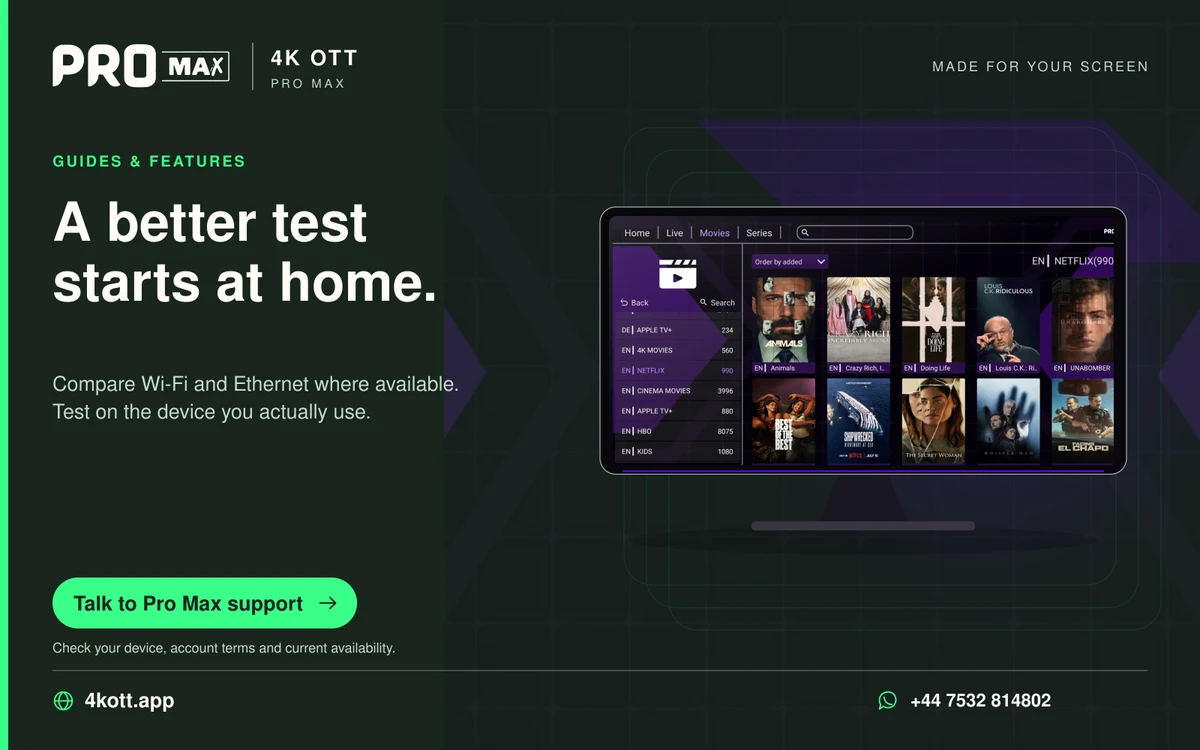
Pro Max | 4K OTT a better test starts at home. card. 4kott.app; WhatsApp +44 7532 814802.
Compare Wi-Fi and Ethernet where available. Test on the device you actually use.
A practical guide

The details you need.

A wired Ethernet comparison can help distinguish Wi-Fi problems from account, player or source problems. It is useful only when the device and router support the connection and the cable path works.

Check the wired path

  1. Use a working cable and a supported device Ethernet port or adapter.
  2. Confirm the device reports a wired connection.
  3. Test more than one source at the normal viewing time.
  4. Repeat with the previous Wi-Fi setup while keeping account and player settings unchanged.

Interpret the result

An improvement on Ethernet points toward the wireless path or its load. No improvement does not prove the provider is at fault; compare source scope, device behaviour and household internet use.

If Ethernet itself is unstable

Check the connector, cable and router port before changing the player. A faulty adapter or cable can undermine the comparison. Use one replacement at a time and record the outcome.

Related guidance

Keep the next step simple.

Choose the right device guide

Find the operating-system route for your screen.

Explore →

Read the technical detail

Clear definitions of player, media and network terms.

Explore →

Get account-specific help

Speak to support with your device and player details.

Explore →
Your next step

Make room for your next favourite.

Install your player, then message us for a one-day Pro Max 4K OTT free trial. Start on the device you use every day.

WhatsApp