Pro Max 4K OTT

International Categories and Language Choices

Evaluate international categories by the actual programme, language track, subtitle and time-zone behaviour you need. Country flags or category names do not guarantee a particular.

4kott.app+44 7532 814802
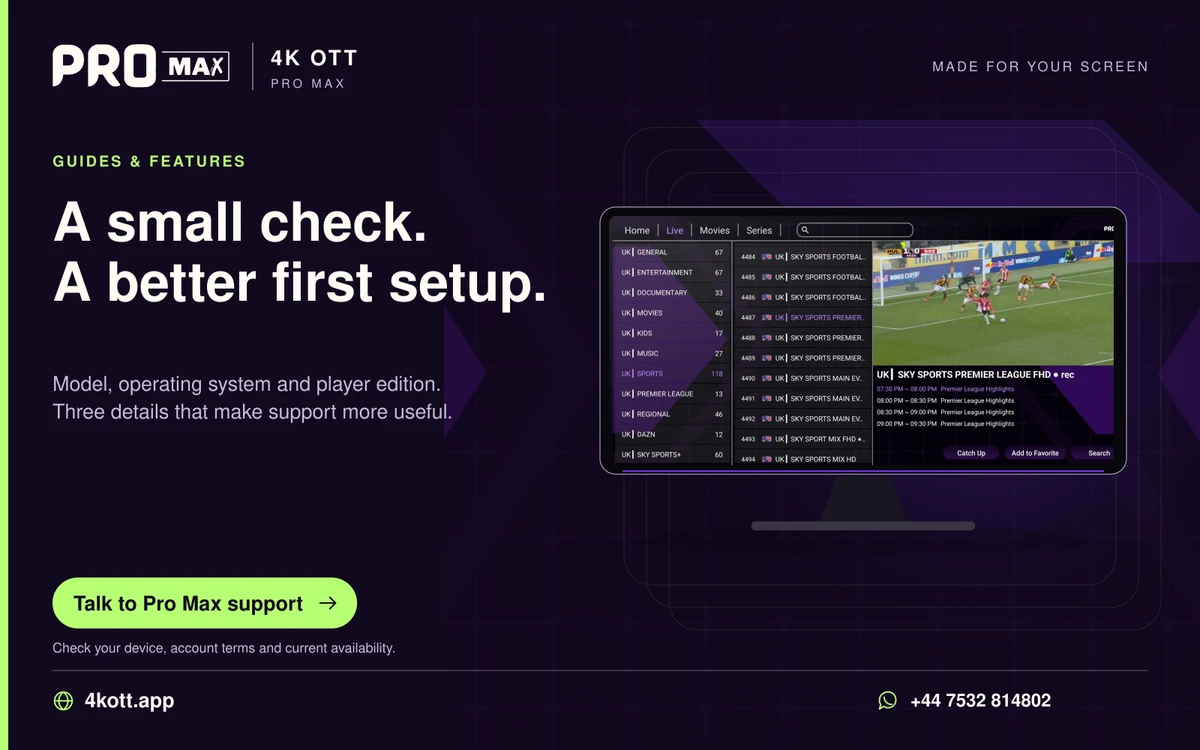
Pro Max | 4K OTT a small check. A better first setup. card. 4kott.app; WhatsApp +44 7532 814802.
Model, operating system and player edition. Three details that make support more useful.
A practical guide

The details you need.

Evaluate international categories by the actual programme, language track, subtitle and time-zone behaviour you need. Country flags or category names do not guarantee a particular channel or language.

Check audio and subtitles independently

Open the player’s audio and subtitle controls for the selected item. Available tracks depend on the source. Save a preference only after checking that the player applies it correctly to another item.

Check guide times

Use the device’s correct local time zone and inspect more than one EPG entry. If the schedule is shifted consistently, compare the player’s guide-offset setting with the device time before changing it.

Request precise availability information

Send support the category, programme or source you need and the intended region. Ask about current availability and relevant account restrictions; do not infer them from a promotional logo.

Related guidance

Keep the next step simple.

Choose the right device guide

Find the operating-system route for your screen.

Explore →

Read the technical detail

Clear definitions of player, media and network terms.

Explore →

Get account-specific help

Speak to support with your device and player details.

Explore →
Your next step

Make room for your next favourite.

Install your player, then message us for a one-day Pro Max 4K OTT free trial. Start on the device you use every day.

WhatsApp