
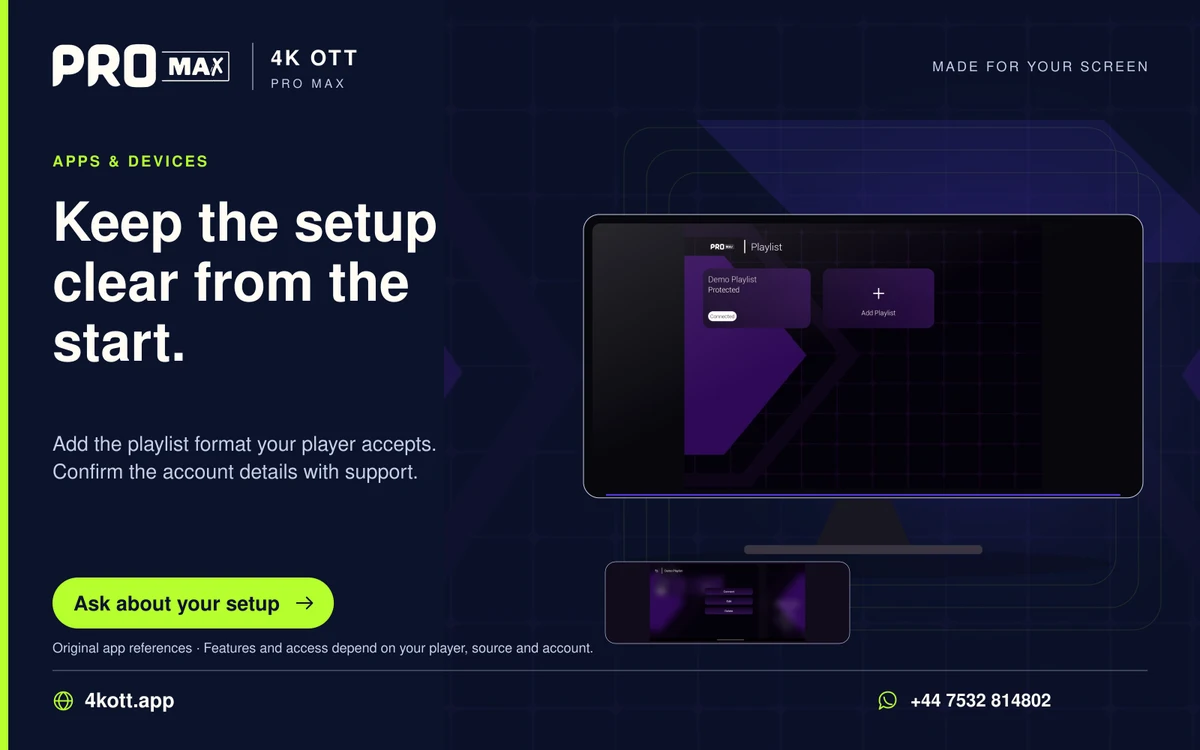
An M3U playlist is a list of media references. A playlist URL can contain account tokens, so treat the complete URL like a password and use only the private values supplied for your account.
Import a confirmed playlist
- Confirm the player supports the supplied playlist format.
- Copy the complete private URL without changing its parameters.
- Import it using the player’s supported playlist method.
- Test playback and any separately supplied EPG.
- Keep the account expiry and concurrent limit in a private note.
When a playlist will not refresh
Confirm the account is active, check the copied URL and compare playback of an existing item. Use the documented refresh action once before removing the profile. Removing a profile can erase favourites and settings.
Protect playlist credentials
Do not paste the URL into public comments, screenshots, link checkers or unrelated online converters. Redact usernames, passwords and query tokens. Ask support how to replace credentials if they were exposed.