Pro Max 4K OTT

On-Demand Movies and Series Checks

Evaluate on-demand availability using the actual title, language, playback and account conditions. This website does not publish a verified movie or series count.

4kott.app+44 7532 814802
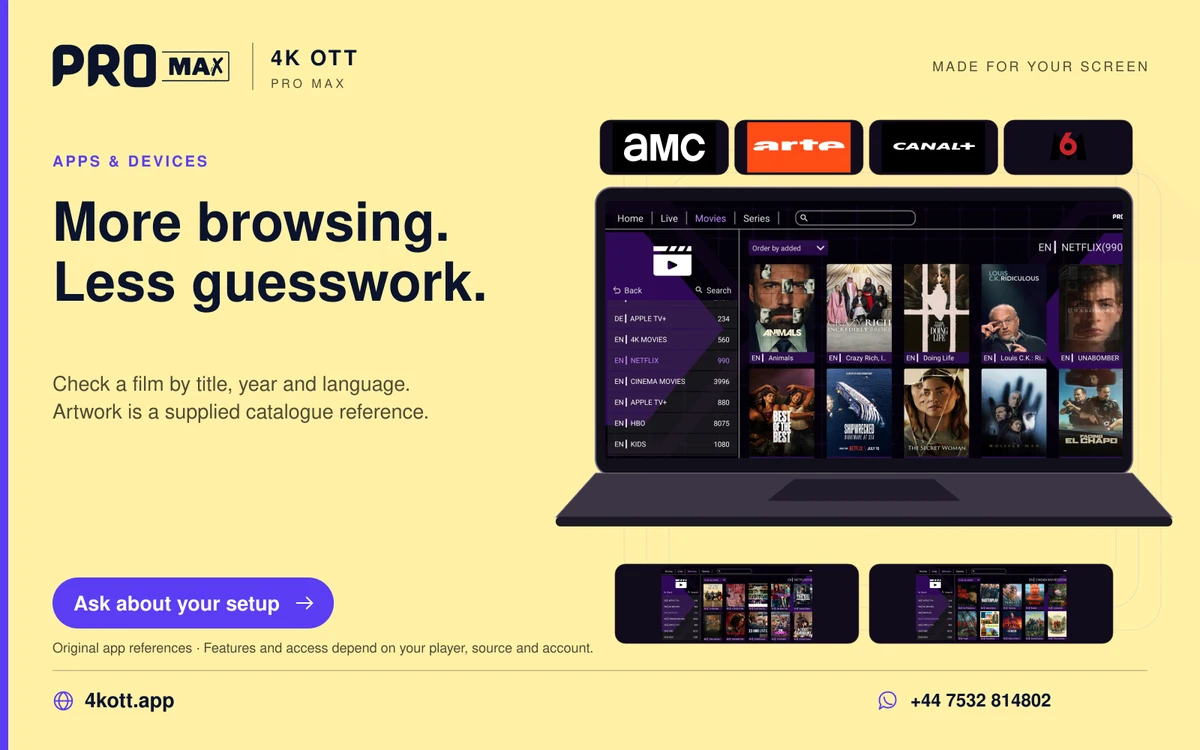
Pro Max | 4K OTT more browsing. Less guesswork. card. 4kott.app; WhatsApp +44 7532 814802.
Check a film by title, year and language. Artwork is a supplied catalogue reference.
A practical guide

The details you need.

Evaluate on-demand availability using the actual title, language, playback and account conditions. This website does not publish a verified movie or series count.

Find the intended title

Search by the exact title and year where the player supports it. Confirm the result rather than assuming a similar title is the same item. Catalogue entries and saved history can change.

When a title does not play

  1. Compare a second title.
  2. Check account status and the concurrent allowance.
  3. Restart the player and confirm storage and software version.
  4. Check the available audio or subtitle options.
  5. Report an isolated title failure to support with the exact title and time.

Separate source and player limitations

A title working in one player does not prove every device can decode it. A missing subtitle or audio language may be a source limitation rather than an account error.

Related guidance

Keep the next step simple.

Choose the right device guide

Find the operating-system route for your screen.

Explore →

Read the technical detail

Clear definitions of player, media and network terms.

Explore →

Get account-specific help

Speak to support with your device and player details.

Explore →
Your next step

Make room for your next favourite.

Install your player, then message us for a one-day Pro Max 4K OTT free trial. Start on the device you use every day.

WhatsApp