
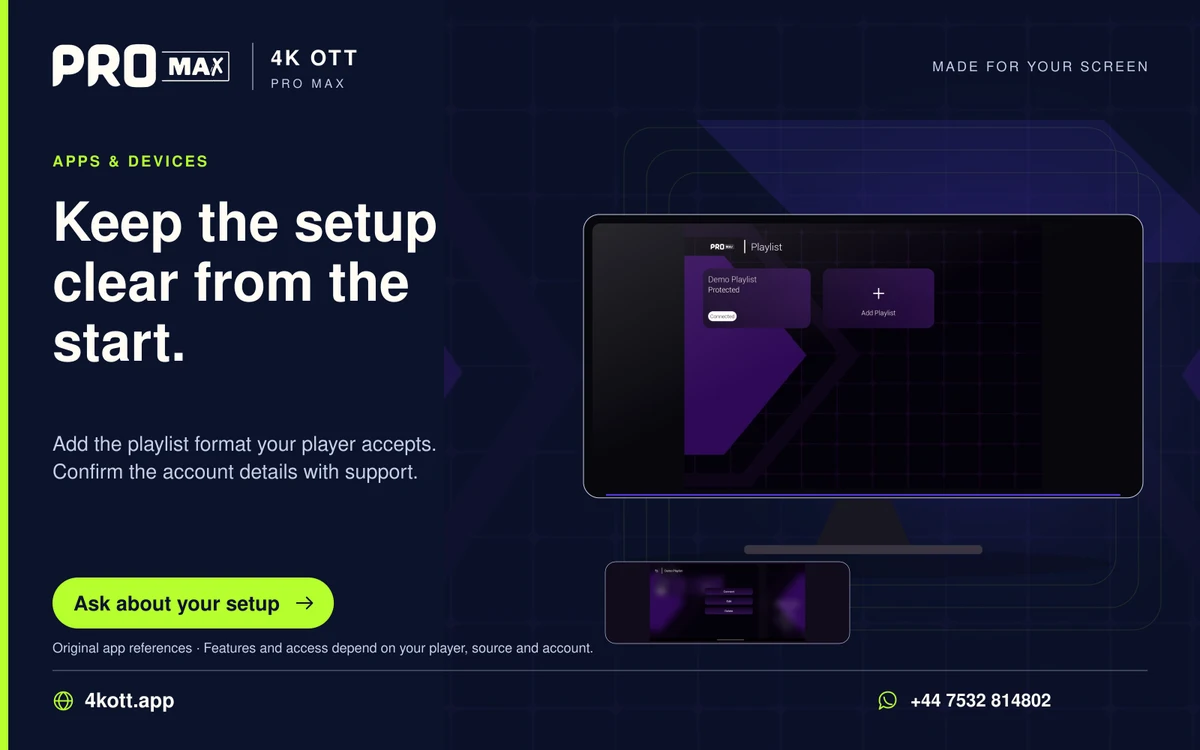
Playlist URLs, separate server credentials and device portals are different account methods. Use the method confirmed for the account and supported by the player; they are not interchangeable labels.
Compare the inputs
| Method | Typical input to confirm | Important caution |
|---|---|---|
| Playlist | Private media-list URL | Complete URL may contain account tokens |
| Server credentials | Server, username and password | Use separate fields exactly as supplied |
| Portal | Provider-issued portal and model-specific setup | Registration can be device-bound |
Choose the confirmed method
Ask support for the account format before buying player software. A method appearing in the app menu does not mean the account is provisioned for it.
Protect all three types
Treat complete playlists, credentials and device-registration details as private. Do not convert or upload them to an unrelated public tool without understanding its privacy and account implications.