Pro Max 4K OTT

Improve IPTV Picture Quality

Picture quality depends on source quality, bitrate, decoding, display settings and network delivery. A resolution label or a 4K television does not prove an individual stream contains.

4kott.app+44 7532 814802
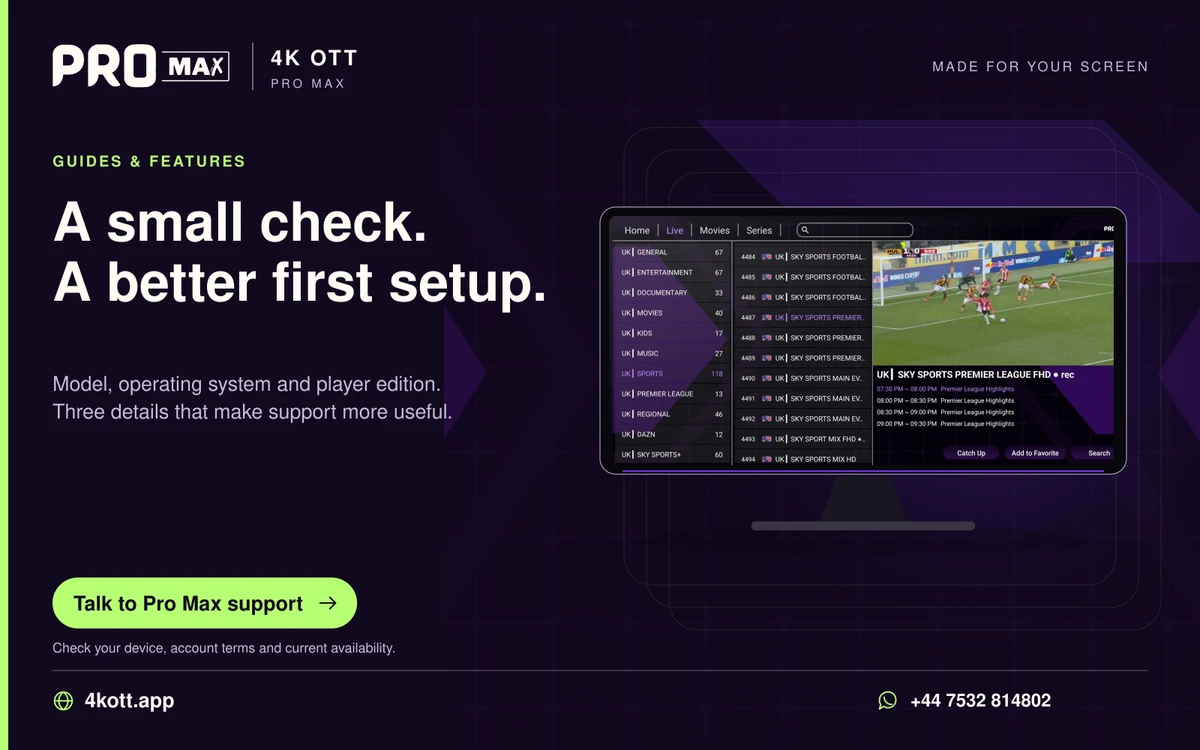
Pro Max | 4K OTT a small check. A better first setup. card. 4kott.app; WhatsApp +44 7532 814802.
Model, operating system and player edition. Three details that make support more useful.
A practical guide

The details you need.

Picture quality depends on source quality, bitrate, decoding, display settings and network delivery. A resolution label or a 4K television does not prove an individual stream contains 4K detail.

Check the source before the screen

Compare another item and inspect the source information the player actually exposes. A channel name containing HD or 4K is not an independent measurement. Compression, motion and source quality can differ at the same stated resolution.

Adjust one setting at a time

Check aspect ratio and any player output setting without stretching the image. If a decoder option is available, compare it on the same item and restore it if playback becomes worse. Keep TV picture settings separate from player settings in your notes.

When quality drops during playback

Compare actual delivery under household load. Do not infer the cause from one speed test. If other items remain stable, ask support about the affected source rather than changing every display setting.

Related guidance

Keep the next step simple.

Choose the right device guide

Find the operating-system route for your screen.

Explore →

Read the technical detail

Clear definitions of player, media and network terms.

Explore →

Get account-specific help

Speak to support with your device and player details.

Explore →
Your next step

Make room for your next favourite.

Install your player, then message us for a one-day Pro Max 4K OTT free trial. Start on the device you use every day.

WhatsApp