Pro Max 4K OTT

Roku IPTV Compatibility

Confirm a current Roku-supported application and its account method before buying access for a Roku device. An Android APK supplied on this site is not a Roku installation route.

4kott.app+44 7532 814802
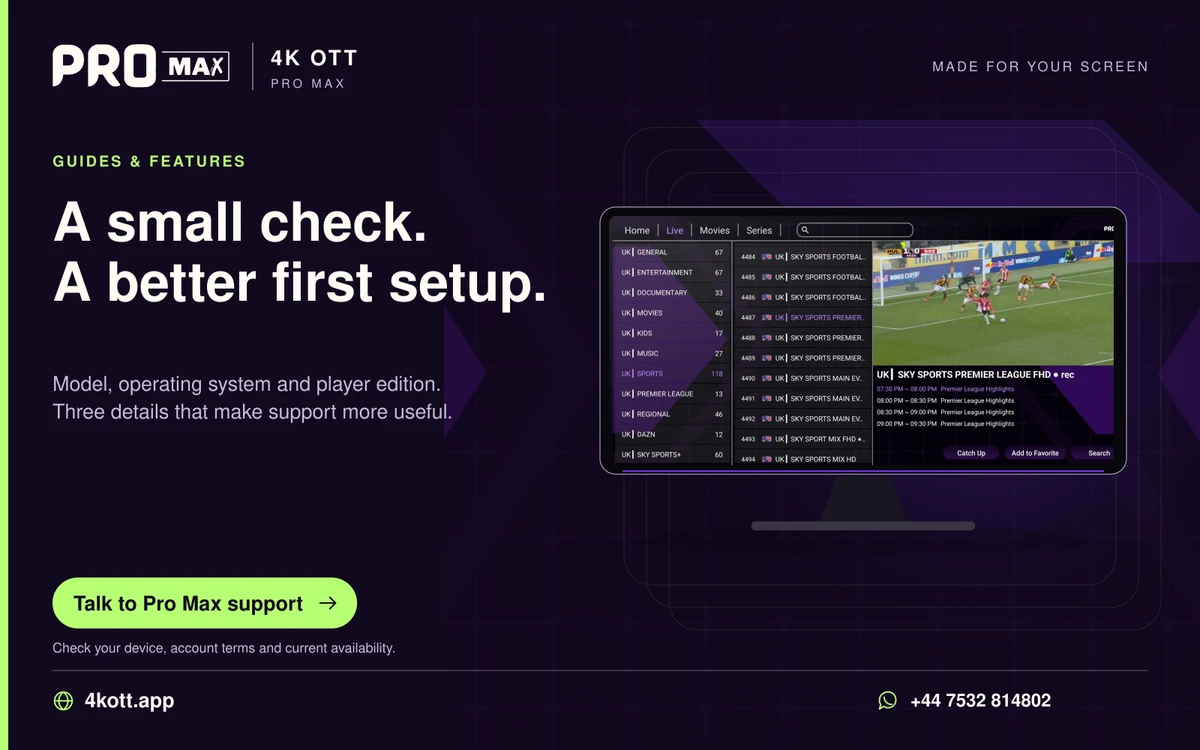
Pro Max | 4K OTT a small check. A better first setup. card. 4kott.app; WhatsApp +44 7532 814802.
Model, operating system and player edition. Three details that make support more useful.
A practical guide

The details you need.

Confirm a current Roku-supported application and its account method before buying access for a Roku device. An Android APK supplied on this site is not a Roku installation route.

What should be checked?

  • The current official store listing for the exact app and publisher.
  • Roku model and software support.
  • The login format accepted by the application.
  • Any separate player charge and the provider’s confirmed account support.

Do not assume mirroring equals native support

Screen mirroring, casting and a native application have different requirements. Verify the actual supported route for both devices and test it before committing to a paid period.

When no supported player is available

Ask support about a separately supported device you own. Do not install unrelated packages or bypass platform protections to make an unsupported setup appear compatible.

Related guidance

Keep the next step simple.

Choose the right device guide

Find the operating-system route for your screen.

Explore →

Read the technical detail

Clear definitions of player, media and network terms.

Explore →

Get account-specific help

Speak to support with your device and player details.

Explore →
Your next step

Make room for your next favourite.

Install your player, then message us for a one-day Pro Max 4K OTT free trial. Start on the device you use every day.

WhatsApp