
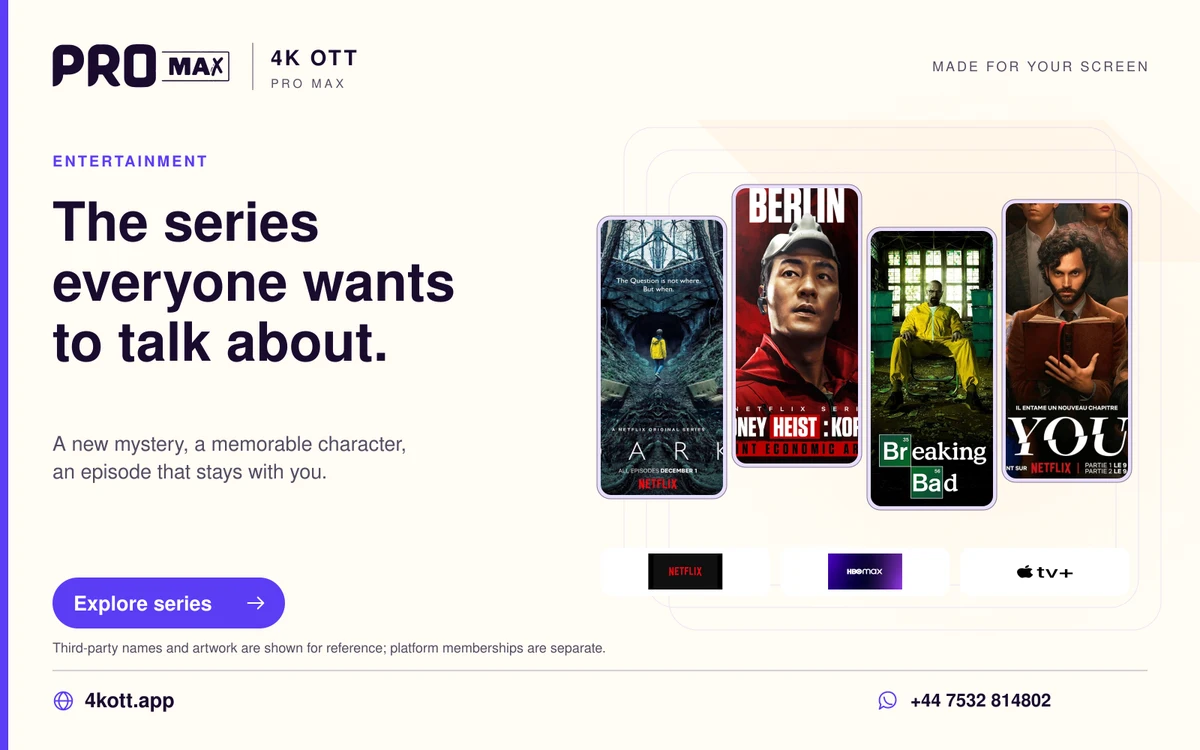
A series library works best when the programme, season and episode are kept together. The Pro Max app screenshots show series categories and programme artwork. Use the title details to follow the sequence rather than treating every search result as a standalone film.
Start with the programme page
Search for the programme name and open its details. Similar names, remakes and regional editions can appear close together. The programme page is the useful place to identify the version and the season list.
Keep the episode order clear
Choose the season first, then the episode. Specials may be stored separately from the main season, and a service’s catalogue order can differ from the order you remember. Where the player offers a continue-watching feature, use it alongside the visible season and episode number.
Make a small watchlist
A short list is easier to use than marking every interesting title. Keep the programmes you are following close at hand and remove finished series when the player allows it. A favourites list may be stored on the device, so export or back it up only through the player’s supported method.
Make the dialogue comfortable
Audio language and subtitles belong to the particular item. Pick the offered track and a readable subtitle style. If a voice sounds quieter than the music, review the soundbar or television audio mode before changing several player settings.