Pro Max 4K OTT

Using a Streaming Account While Travelling

Confirm the account’s region, device and network conditions before travelling. A setup working at home does not prove that access, available content or player licensing transfers.

4kott.app+44 7532 814802
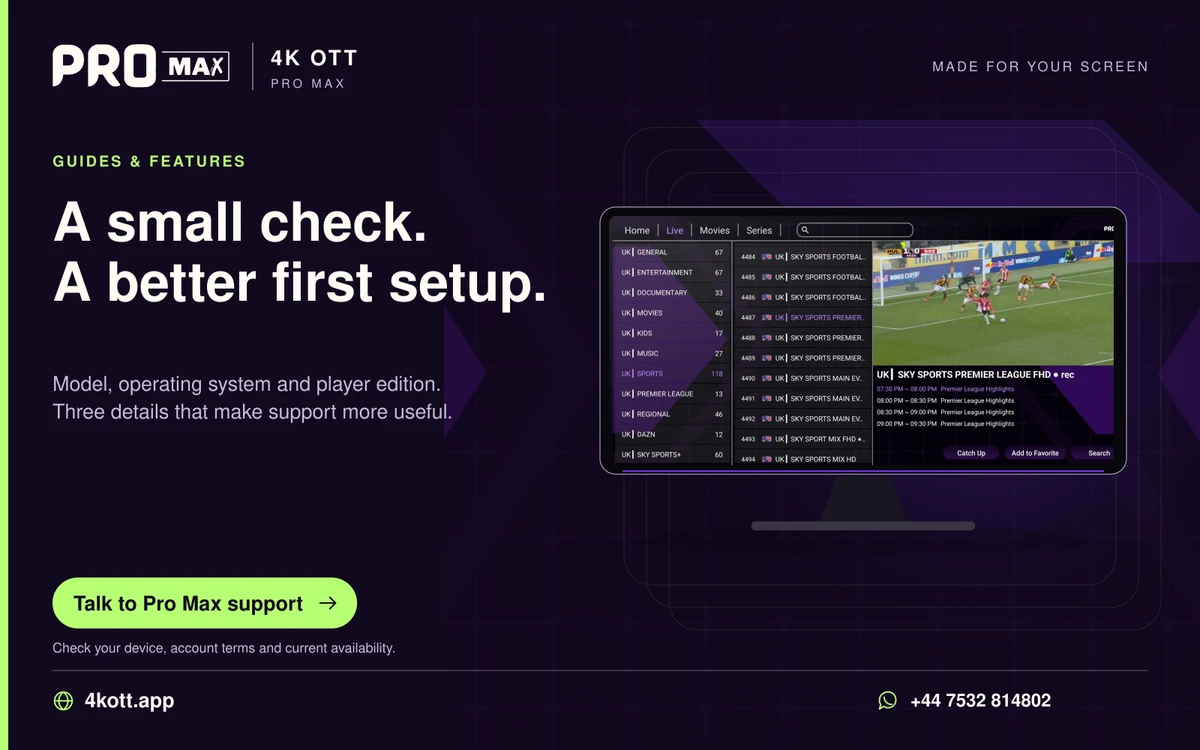
Pro Max | 4K OTT a small check. A better first setup. card. 4kott.app; WhatsApp +44 7532 814802.
Model, operating system and player edition. Three details that make support more useful.
A practical guide

The details you need.

Confirm the account’s region, device and network conditions before travelling. A setup working at home does not prove that access, available content or player licensing transfers unchanged to another location.

Confirm the account conditions

Ask support about permitted use in the destination, simultaneous connections and any device-bound method. Confirm relevant local requirements for the intended content. Do not bypass content or platform restrictions.

Check the new connection

Public Wi-Fi and mobile connections can have different capacity, login portals and data charges. Complete the network sign-in legitimately and test the player on the intended connection.

Protect credentials away from home

Avoid saving account details on shared devices. Keep playlist URLs and passwords private and use the verified support route if account details need to change.

Related guidance

Keep the next step simple.

Choose the right device guide

Find the operating-system route for your screen.

Explore →

Read the technical detail

Clear definitions of player, media and network terms.

Explore →

Get account-specific help

Speak to support with your device and player details.

Explore →
Your next step

Make room for your next favourite.

Install your player, then message us for a one-day Pro Max 4K OTT free trial. Start on the device you use every day.

WhatsApp