Pro Max 4K OTT

Wi-Fi Checks for IPTV Playback

Test Wi-Fi on the actual viewing device and location. Signal strength, obstacles, neighbouring networks and household load can change playback even when a speed test briefly reports a.

4kott.app+44 7532 814802
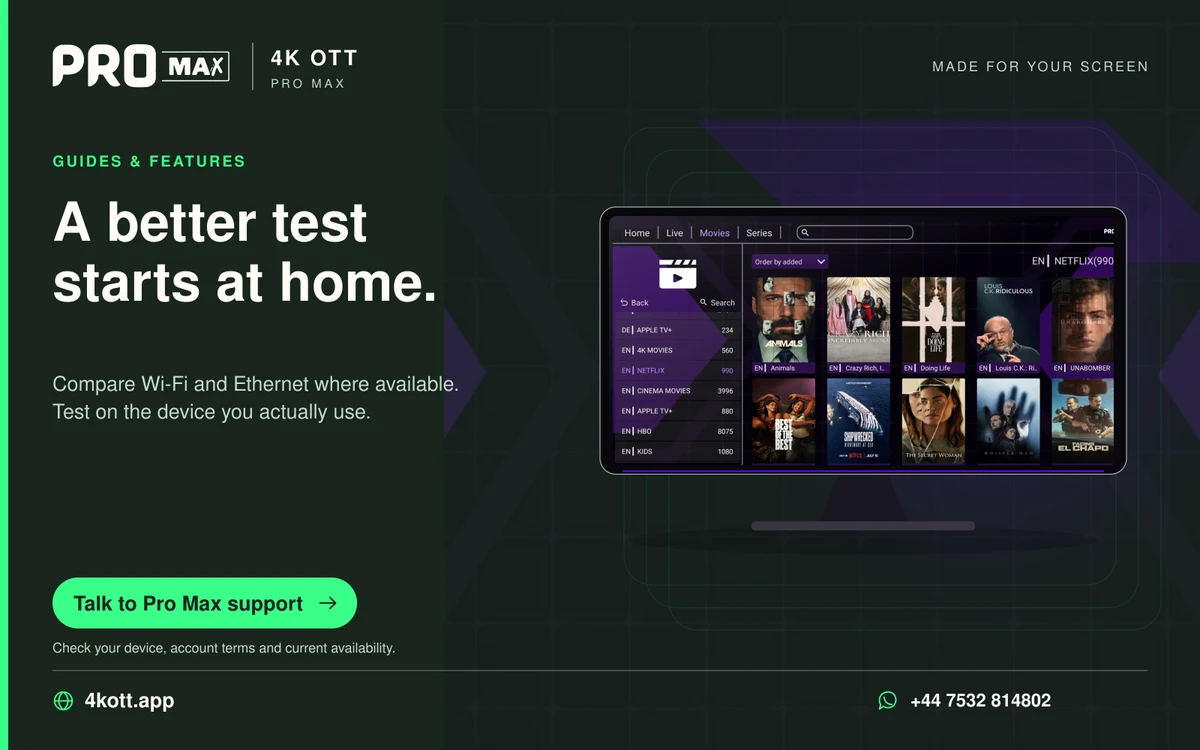
Pro Max | 4K OTT a better test starts at home. card. 4kott.app; WhatsApp +44 7532 814802.
Compare Wi-Fi and Ethernet where available. Test on the device you actually use.
A practical guide

The details you need.

Test Wi-Fi on the actual viewing device and location. Signal strength, obstacles, neighbouring networks and household load can change playback even when a speed test briefly reports a high rate.

Choose a band by measured results

Compare the bands supported by both router and device. A stronger connection is more useful than choosing a band by its label. Do not assume 5 GHz or 6 GHz is available on every device or that it will be strongest in every room.

Reduce avoidable interference

  1. Compare playback nearer the router without changing the account.
  2. Check whether obstacles or the TV enclosure affect reception.
  3. Pause large household transfers for a short controlled test.
  4. Compare Ethernet if the device supports it.

If the result varies by time

Repeat at the normal viewing time and note other household usage. Compare several sources. A busy network and an unavailable individual source can create similar symptoms but require different fixes.

Related guidance

Keep the next step simple.

Choose the right device guide

Find the operating-system route for your screen.

Explore →

Read the technical detail

Clear definitions of player, media and network terms.

Explore →

Get account-specific help

Speak to support with your device and player details.

Explore →
Your next step

Make room for your next favourite.

Install your player, then message us for a one-day Pro Max 4K OTT free trial. Start on the device you use every day.

WhatsApp