Pro Max 4K OTT

Server-Style IPTV Login Details

Some players accept a server address, username and password as separate fields. Use this method only when the provider has supplied those values and the chosen player supports that.

4kott.app+44 7532 814802
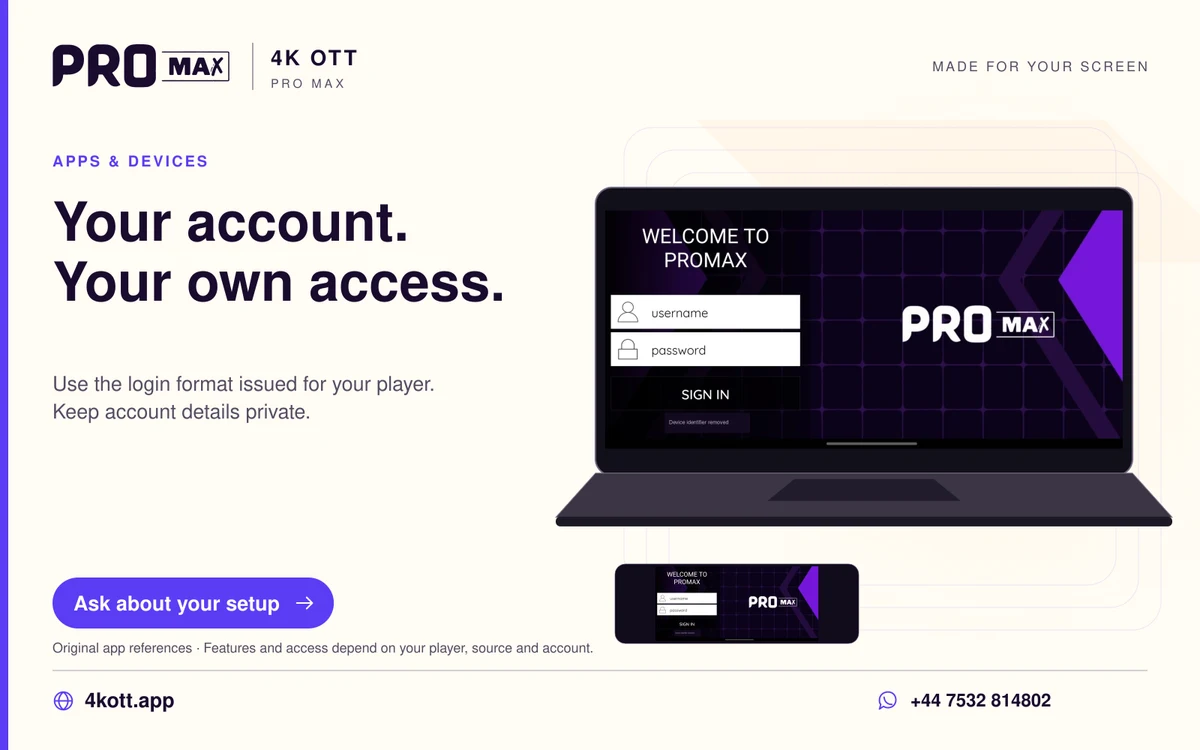
Pro Max | 4K OTT your account. Your own access. card. 4kott.app; WhatsApp +44 7532 814802.
Use the login format issued for your player. Keep account details private.
A practical guide

The details you need.

Some players accept a server address, username and password as separate fields. Use this method only when the provider has supplied those values and the chosen player supports that account format.

Use the correct fields

The server address identifies the service endpoint; the username and password identify the account. A full tokenised playlist URL is not necessarily the server field. Copy the exact values and any port supplied by support.

Check the result

  1. Confirm active account status and the supported login method.
  2. Enter the supplied values privately.
  3. Check for accidental spaces and copied punctuation.
  4. Test one live item, one on-demand item and EPG where supplied.

Keep the login private

Do not expose complete values in screenshots or logs. A player’s saved profile and backup may contain credentials. Share an account reference through the private support route instead of posting login details publicly.

Related guidance

Keep the next step simple.

Choose the right device guide

Find the operating-system route for your screen.

Explore →

Read the technical detail

Clear definitions of player, media and network terms.

Explore →

Get account-specific help

Speak to support with your device and player details.

Explore →
Your next step

Make room for your next favourite.

Install your player, then message us for a one-day Pro Max 4K OTT free trial. Start on the device you use every day.

WhatsApp